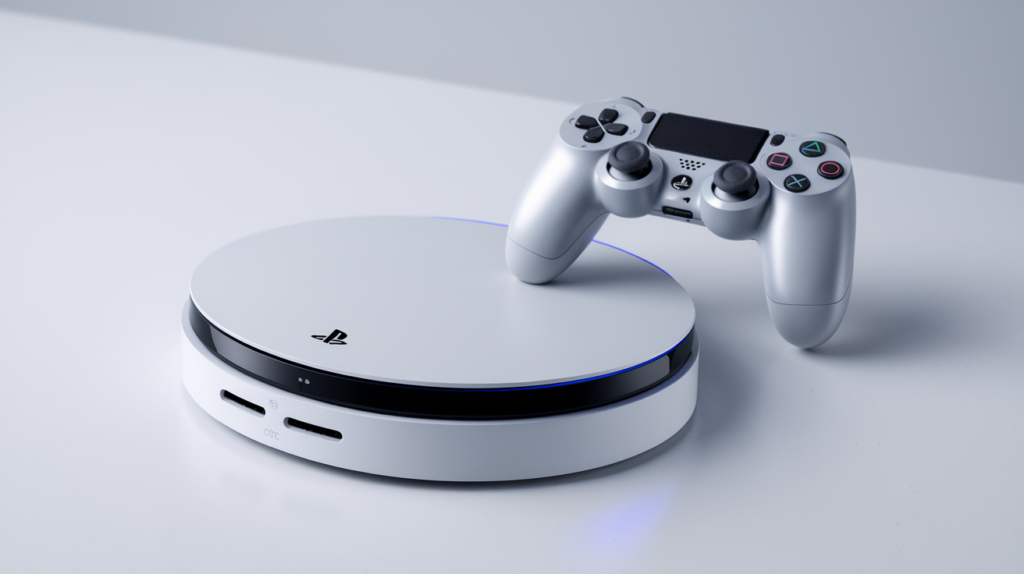
Quick Verdict: The PlayStation Portal is a niche device that delivers exactly what it promises—portable PS5 gaming at home. With its gorgeous 8-inch 1080p screen, full DualSense features, and 4-8 hour battery life, it’s perfect for households where the main TV isn’t always available. But the lack of Bluetooth, cloud gaming quirks, and $200 price tag make it a “know what you’re buying” purchase rather than an essential accessory.
Table of Contents
- Overview & Specs
- Pros & Cons
- Performance & Connectivity
- Display & Controls
- What Reddit Users Say
- Final Verdict
Overview & Specs
| Display | 8-inch LCD, 1080p, 60Hz |
| Price | $199.99 USD |
| Release Date | November 15, 2023 |
| Battery Life | 4-8 hours (varies by use) |
| Our Rating | ⭐ 7.5/10 |
| Connectivity | Wi-Fi only (no Bluetooth audio) |
| Weight | Approximately 1.5 lbs |
Pros & Cons
✅ Pros
- Beautiful 8-inch 1080p display
- Full DualSense features (haptics, adaptive triggers)
- Surprisingly good battery life (4-8 hours)
- Lightweight and comfortable for long sessions
- Perfect for TV-sharing households
❌ Cons
- No Bluetooth audio support
- Requires strong Wi-Fi to work well
- Can’t stream media apps
- Microstutter issues in some 60fps games
- Travel connectivity can be frustrating
Performance & Connectivity
The Portal streams your PS5 games over Wi-Fi using Remote Play. Performance varies significantly based on your network setup:
| Scenario | Performance |
|---|---|
| Hardwired PS5 + Strong Wi-Fi | ~95% perfect, minimal lag |
| Same room as router | Excellent, slight latency |
| Different floor/room | Occasional stutter/disconnects |
| Travel/Public Wi-Fi | Often frustrating, 30+ min to connect |
| Competitive Gaming | Not recommended |
As one Reddit user noted: “If you have amazing internet and hardwired PS5, I have a flawless experience. But traveling? It f***ing sucks.”
Display & Controls
The 8-inch LCD screen is brighter and more vivid than expected, with reviewers praising it at around 75% brightness. The device essentially feels like a DualSense controller with a screen sandwiched in the middle—which is exactly what Sony intended.
| Feature | Implementation |
|---|---|
| Haptic Feedback | Full DualSense haptics supported |
| Adaptive Triggers | Present and responsive |
| Touchpad | Touch screen tap-to-use |
| Audio Options | 3.5mm jack only (no Bluetooth) |
| Charging | USB-C, 2+ hours for full charge |
What Reddit Users Say
We analyzed discussions from r/PlaystationPortal to get real user experiences:
Positive Feedback:
- “Little to no latency issues with cross-play”
- “About 95% perfect with hardwired PS5”
- “Roughly 20% battery drain per hour at 30% brightness”
- “My favorite bit of PS5 gear after two years”
Common Complaints:
- “No Bluetooth is my main hang up”
- “Takes 30 minutes and 8 tries to connect when traveling”
- “60fps games suffer from microstutter”
- “PS5 earbuds cost as much as the Portal”
Quick Facts
| 🎮 Primary Use | Remote Play PS5 games |
| 📺 Screen | 8″ LCD, 1080p@60fps |
| 🔋 Battery | 4-8 hours (varies) |
| 🎧 Audio | Wired headphones only |
| ☁️ Cloud Gaming | Supported (some limitations) |
Final Verdict: 7.5/10 ⭐
The PlayStation Portal succeeds at its narrow mission: letting you play PS5 games away from your TV. For households where the living room TV is contested territory, it’s genuinely transformative. The screen is excellent, the controls feel premium, and battery life exceeds expectations.
However, the lack of Bluetooth audio is a frustrating omission, and the device heavily depends on your network infrastructure. At $200, it’s not an impulse buy—but for the right user, it’s become an essential part of their gaming setup.
Who Should Buy: PS5 owners who share their TV, parents, anyone wanting to game in bed or different rooms.
Who Should Skip: Those expecting Switch-like portability, frequent travelers, users without strong home Wi-Fi.
Do you own a PlayStation Portal? Share your experience in the comments!

Leave a Reply